

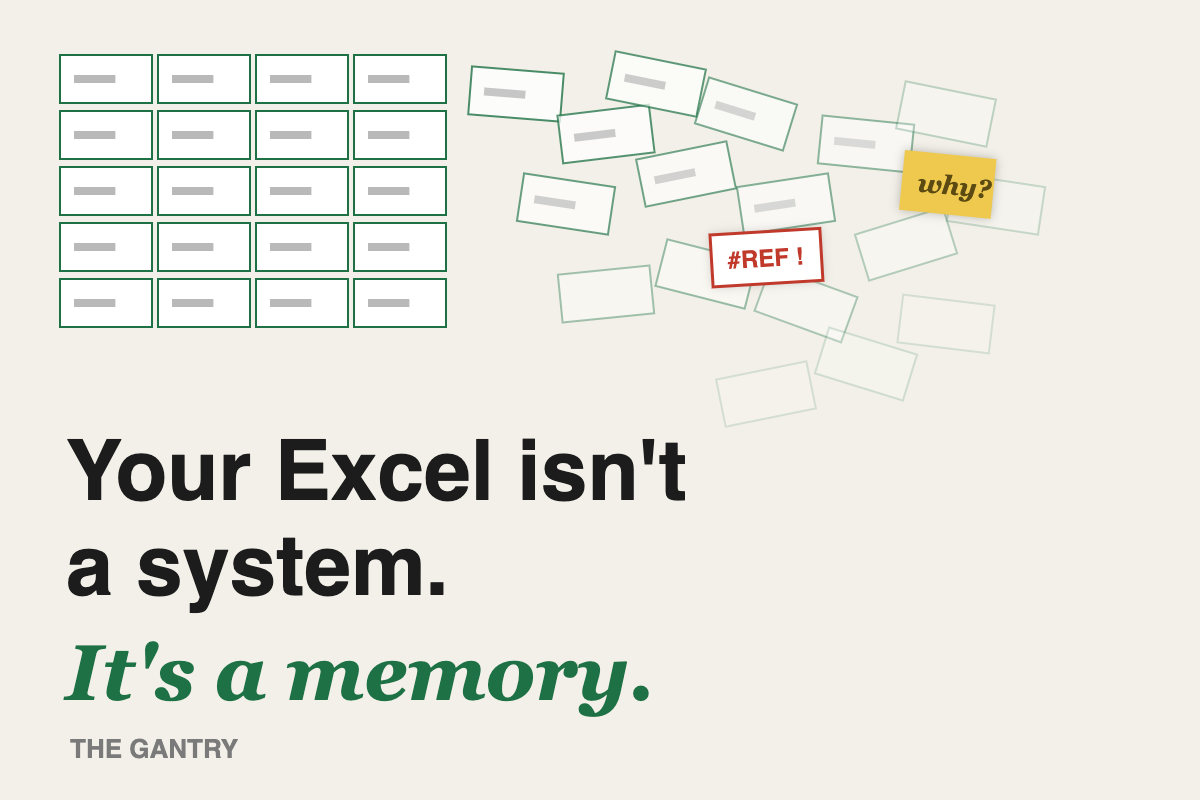
Every SME I walk into has one. The Spreadsheet. Capital T, capital S.
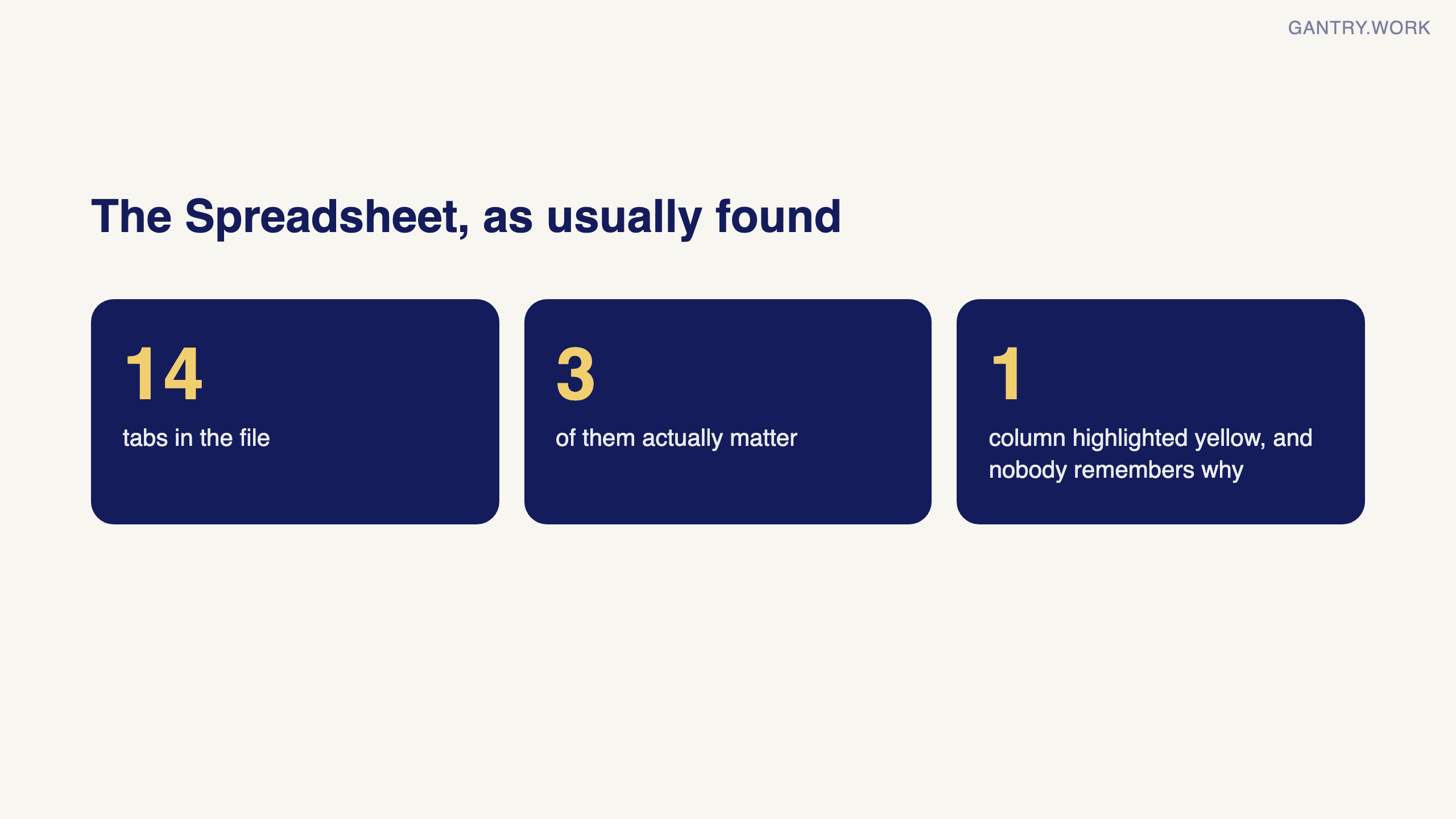
It tracks stock, or prices, or delivery schedules, or all three. It has 14 tabs. Three of them matter. One column is highlighted yellow and nobody remembers why.
The idea in 45 seconds
The short version: the spreadsheet works because one person carries its rules in their head. Find those rules column by column, then move one a month to somewhere it runs on its own.
Why the spreadsheet survived
And here’s the uncomfortable truth: the spreadsheet works. That’s why it survived. It works because one person — usually the one who built it — carries the real logic in their head. Which supplier to trust when two prices conflict. Which customer’s “urgent” actually means urgent. Why row 47 is skipped.
That’s not a system. That’s a memory with a grid on top.
The two-week leave test
The test is simple: if that person takes two weeks of leave, does the operation slow down? If the answer is yes, you don’t have a process. You have a dependency.
I’ve watched a trading company lose its ops manager and spend four months reverse-engineering how their own pricing worked. The margin errors during those four months cost more than any system they could have bought.
The fix is not to ban Excel
The fix isn’t to ban Excel. It’s to move the rules out of heads and into places where they run themselves: reorder rules that fire on their own, price lists that apply themselves, approvals that route to the right phone.
Start with one question at your next team meeting: “What do we know that our tools don’t?” Every answer is a risk you’re currently paying someone to remember.
The three spreadsheets secretly running your company
In almost every SME the same three files carry the business, and each hides a different kind of risk.
The price list. Usually a grid of products by customer tier, with hand-typed exceptions in a column at the end. The risk is not that it is wrong. It is that nobody can say which version the last quote was built from, so margin drifts without anyone deciding it should. For a quick health check, paste it into the free Profit Margin Calculator, which flags every product below your target margin.

The free margin calculator at work: cost and margin give the price, then a whole price list repriced to a target margin. Click the animation to try it with your own list.
The stock sheet. Updated on Fridays, or when someone remembers. Every number in it is the answer to "what did we have when this was last typed", not "what do we have". Sales quote against it, purchasing reorders against it, and both are trusting a figure that was true a week ago.
The schedule. Deliveries, jobs, or production, colour-coded by one person who knows what the colours mean. This is the one that stops the operation when its owner is away, because the file is fine but the legend is on leave.
None of these is a bad spreadsheet. They are good spreadsheets doing a job they were never meant to hold: being the record of what is true.
A thirty-minute exercise to find out what your spreadsheet knows
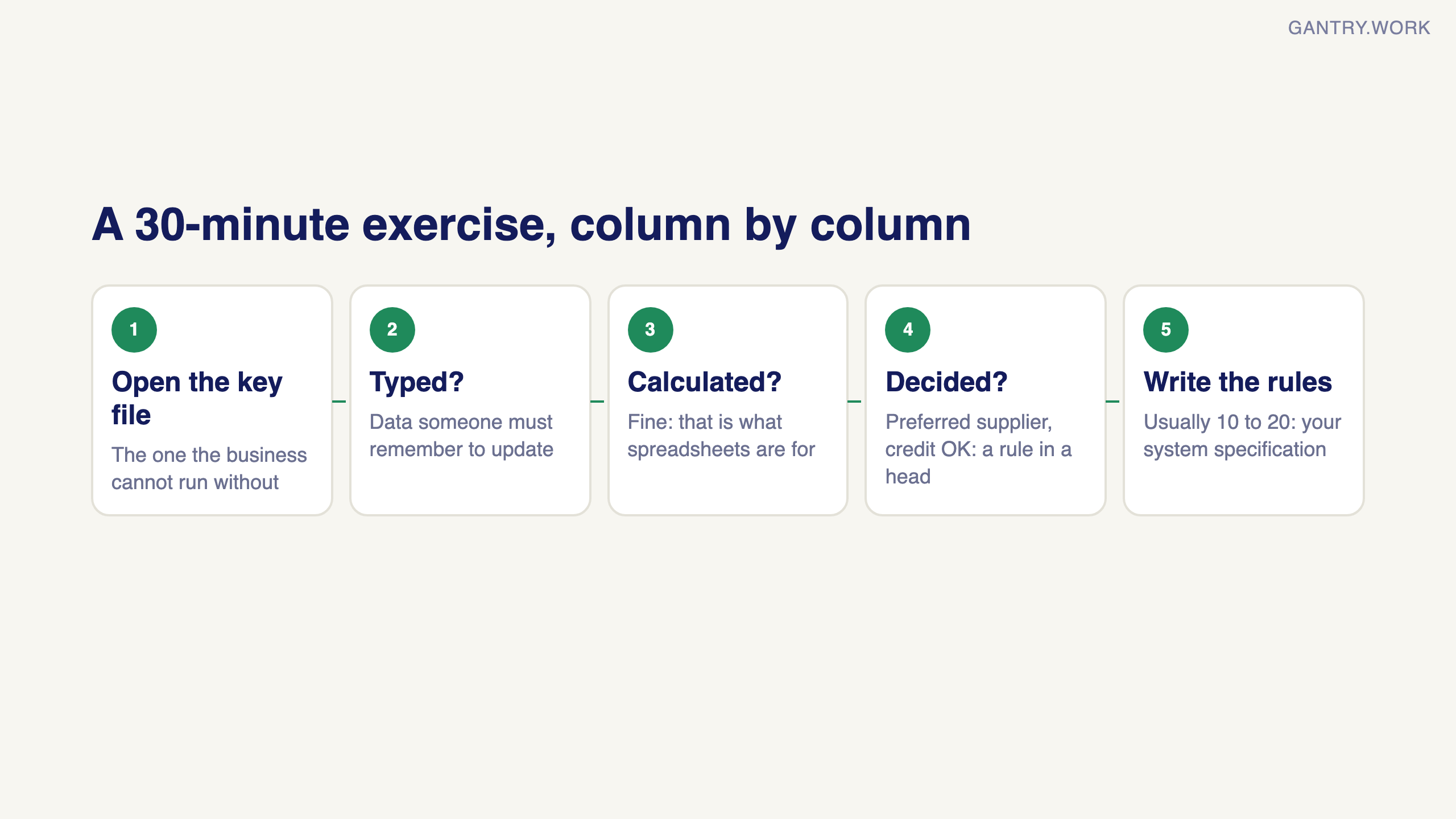
Open the most important file in your business and go column by column. For each one, ask a single question: is this typed, calculated, or decided?
Typed columns are data someone has to remember to update. Each one is a place the sheet goes stale.
Calculated columns are fine. That is what spreadsheets are for.
Decided columns are the interesting ones. "Preferred supplier", "reorder when below", "credit OK", "urgent". Every one of these is a rule that currently lives in a person, and is applied by hand each time.
Then list the colour codes, the comments, and every cell where the honest answer is "ask Rafiq". Those are the rules too, just undocumented ones.
Most owners come out of this with a page of ten to twenty rules. That page is the specification for the system you actually need. It is also the reason most AI pilots stall: the tool is fed the grid, but the rules that make the grid mean anything were never written down.
Moving the rules out without a big project
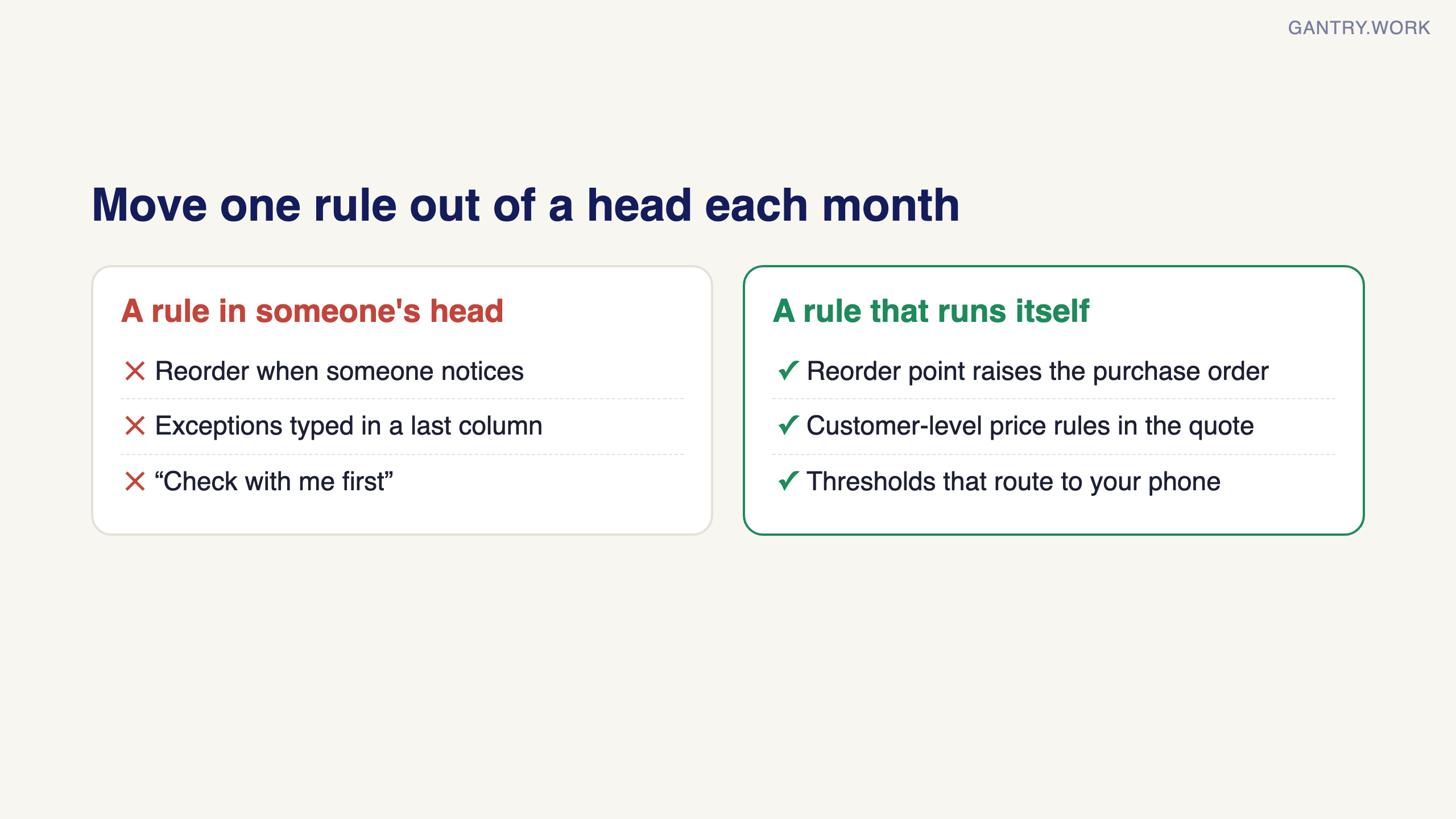
You do not need to replace the spreadsheet in one go, and you should not try. Take one rule a month and give it somewhere to run on its own.
Start with reordering, because it is the most mechanical. A reorder point and a preferred supplier per product is a day of data work, and once it exists the purchase order raises itself. Then the price list: put it where quotes are created, so the exception column becomes a customer-level rule instead of a memory. Then approvals: the "check with me first" cases become thresholds that route to your phone.
Each move takes a rule out of a head and puts it where it applies itself. And there is a second effect people do not expect: month-end gets shorter, because the record was created when the event happened rather than reconstructed from the sheet afterwards.
Moving one rule out this week: if a new row in a sheet means someone then has to do something by hand, such as send an email or a quote, Make can do it from the sheet. Its most-used template, Send a Gmail email from a new Google Sheets row, has been used more than 40,000 times, and this quote template turns a row into a branded Google Docs quote. Both run on the free plan.
Affiliate links: if you sign up to Make through them, The Gantry may earn a commission at no extra cost to you. How I test tools and how this site makes money.
Excel does not go away. It goes back to what it is good at, which is analysis. The record-keeping leaves. If you are wondering whether your business is ready for that move, the ERP Readiness Scorecard takes two minutes and will tell you honestly if the answer is "not yet".
Working on something similar? Connect with me on LinkedIn and tell me what you are working on. I read and reply to every message, and the questions people send become the next guides.
Want a second pair of eyes on your setup? Bring the process that keeps going wrong to a free 20-minute systems review. I'll tell you honestly what to fix first, or whether you need anything new yet.
How I test everything and how this site makes money: How The Gantry works.