

“Odoo is open source, so why would I pay for it?” — fair question, and the answer decides a few thousand dollars a year. Here’s the short version: Community is the real, free, open-source Odoo and it runs actual companies. Enterprise is Community plus the pieces most SMEs turn out to need — accounting localisation, payroll, no-code customisation, and managed hosting with supported upgrades. Which pieces you need is answerable with five questions, so let’s answer them.

The decision in 45 seconds
The short version: localisation and payroll decide the edition for most Singapore SMEs, and Community only wins on cost when the engineering time is already on your payroll. The detail is below.
What Enterprise actually gates
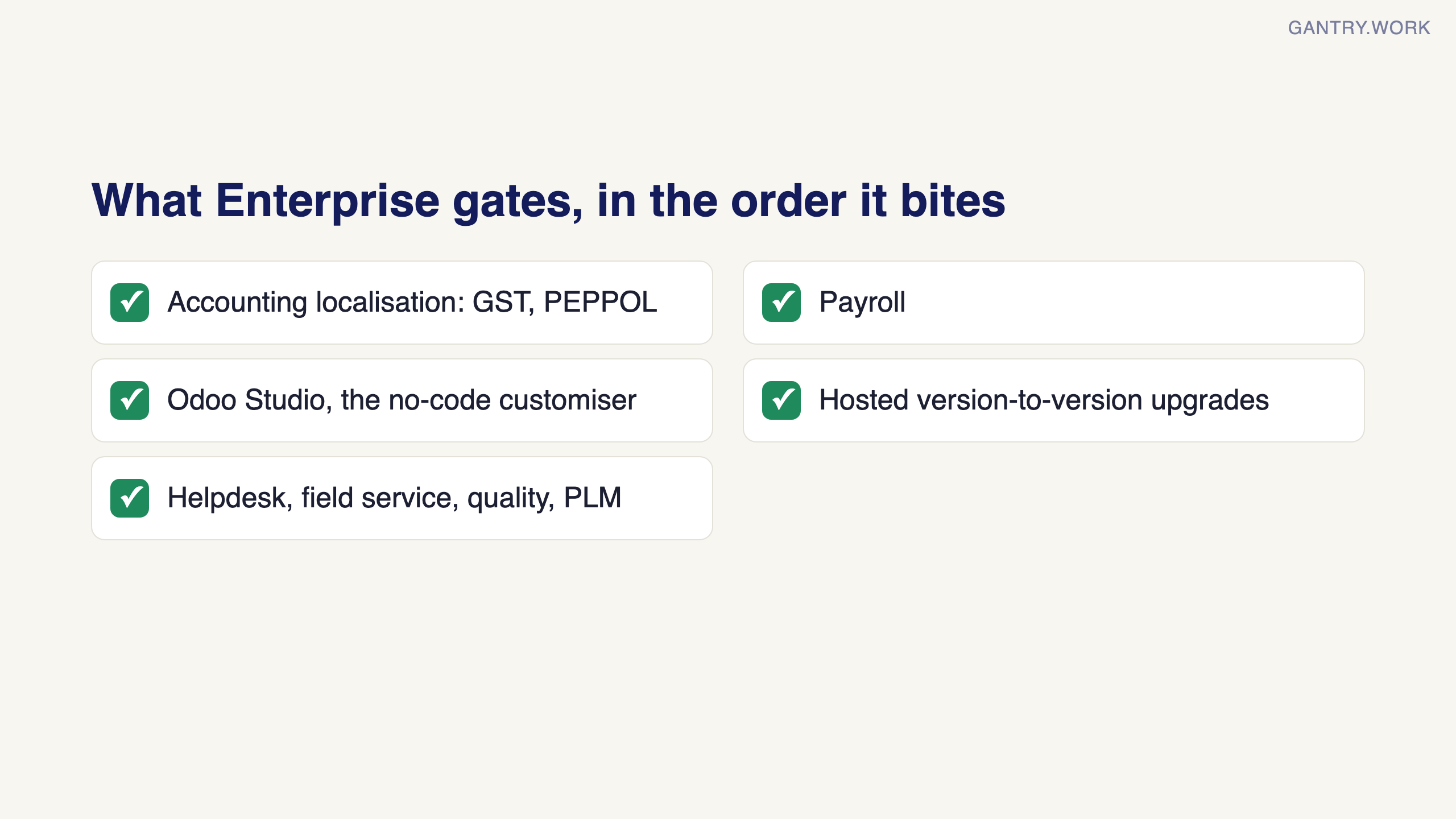
The honest list of things you give up on Community, in the order they bite:
Accounting localisation. Community has the accounting framework, but the country packs that make it file-ready — local chart of accounts, GST reports, PEPPOL e-invoicing, bank feed integrations — are Enterprise territory. This alone decides the edition for most Singapore SMEs.
Payroll. Enterprise-only. On Community you keep a separate payroll tool or a custom module.
Odoo Studio. The no-code customiser — add a field, tweak a form, build a simple report without a developer. On Community, every small change is developer work.
Hosted upgrades. Enterprise on Odoo Online upgrades you version to version. On Community, upgrading is a real engineering project you run yourself — and skipping upgrades is how installations quietly become legacy systems.
Smaller but real: helpdesk, field service, marketing automation, quality, PLM — all Enterprise apps.
Deciding on a system for your own business? In a free 20-minute systems review, you walk me through how sales, stock and accounts run today, and I tell you honestly which system fits, or whether you need one yet. No pitch. Book a free 20-minute review
What Community genuinely covers
CRM, sales, purchasing, inventory, manufacturing (the core of it), projects, website, e-invoicing basics, and the accounting framework. A technical team that’s comfortable hosting, patching, and upgrading a Python application gets a remarkable amount of ERP for exactly zero licence dollars. Companies do run on Community for years — deliberately, with engineering budget where the licence budget would have been.
Is the Odoo Community version free? Free for lifetime?
Yes and yes — it’s LGPL open-source software. There’s no trial expiry, no user cap, no bait-and-switch. The costs are real but different: a server (S$30–150/month), someone to maintain it, and your own time on upgrades. “Free software, paid responsibility” is the accurate framing.
The maths that usually settles it
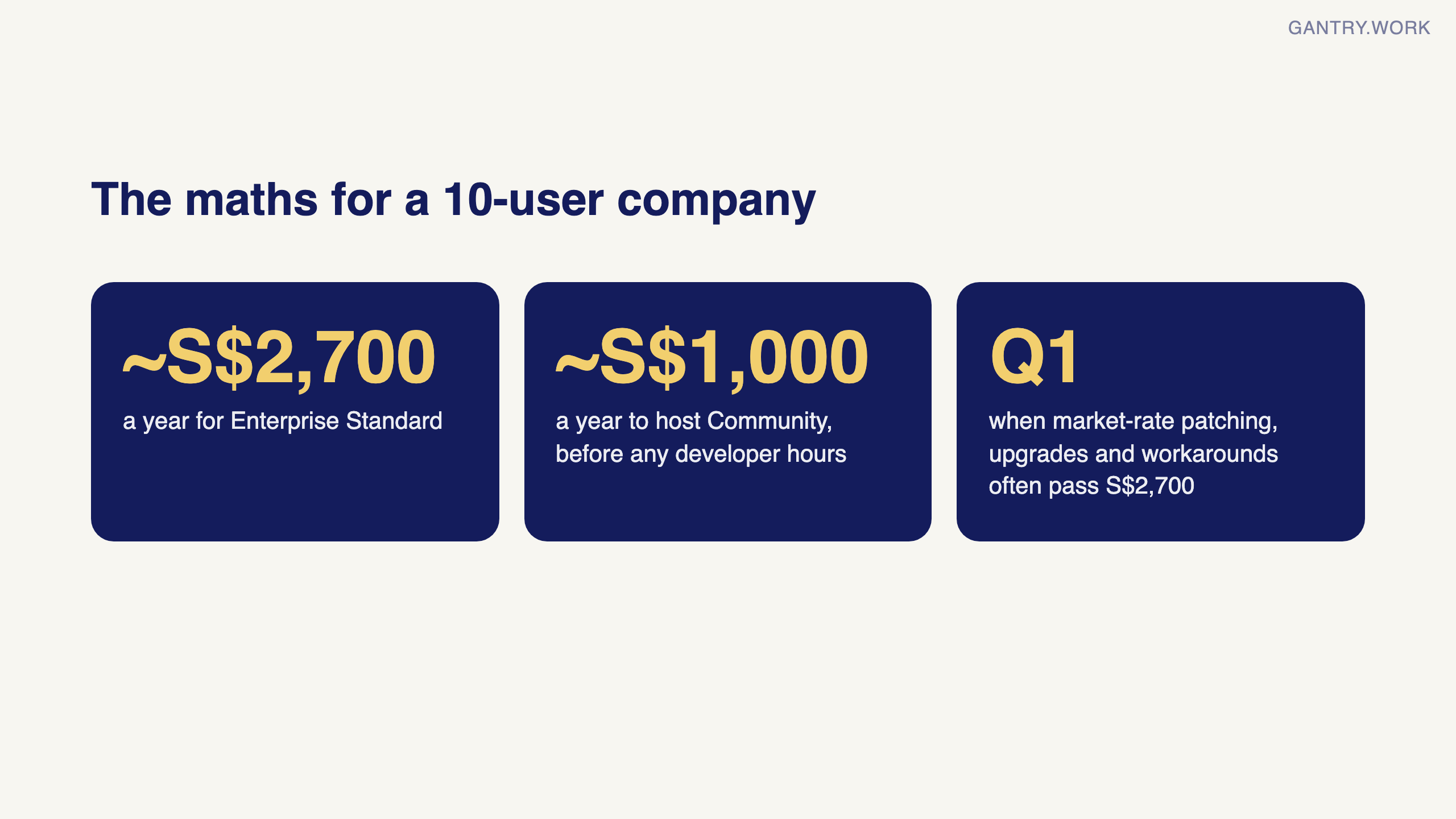
Take a 10-user company. Enterprise Standard costs about S$2,700/year. Now price the Community alternative honestly: hosting (~S$1,000/year), plus the developer hours for setup hardening, patching, one version upgrade a year, and the payroll/localisation workarounds. If you’re paying market rates for that work, you cross S$2,700 quickly — often in the first quarter. Community “wins” financially only when the technical labour is already on your payroll with spare capacity.
The upgrade path (you’re not locked in)
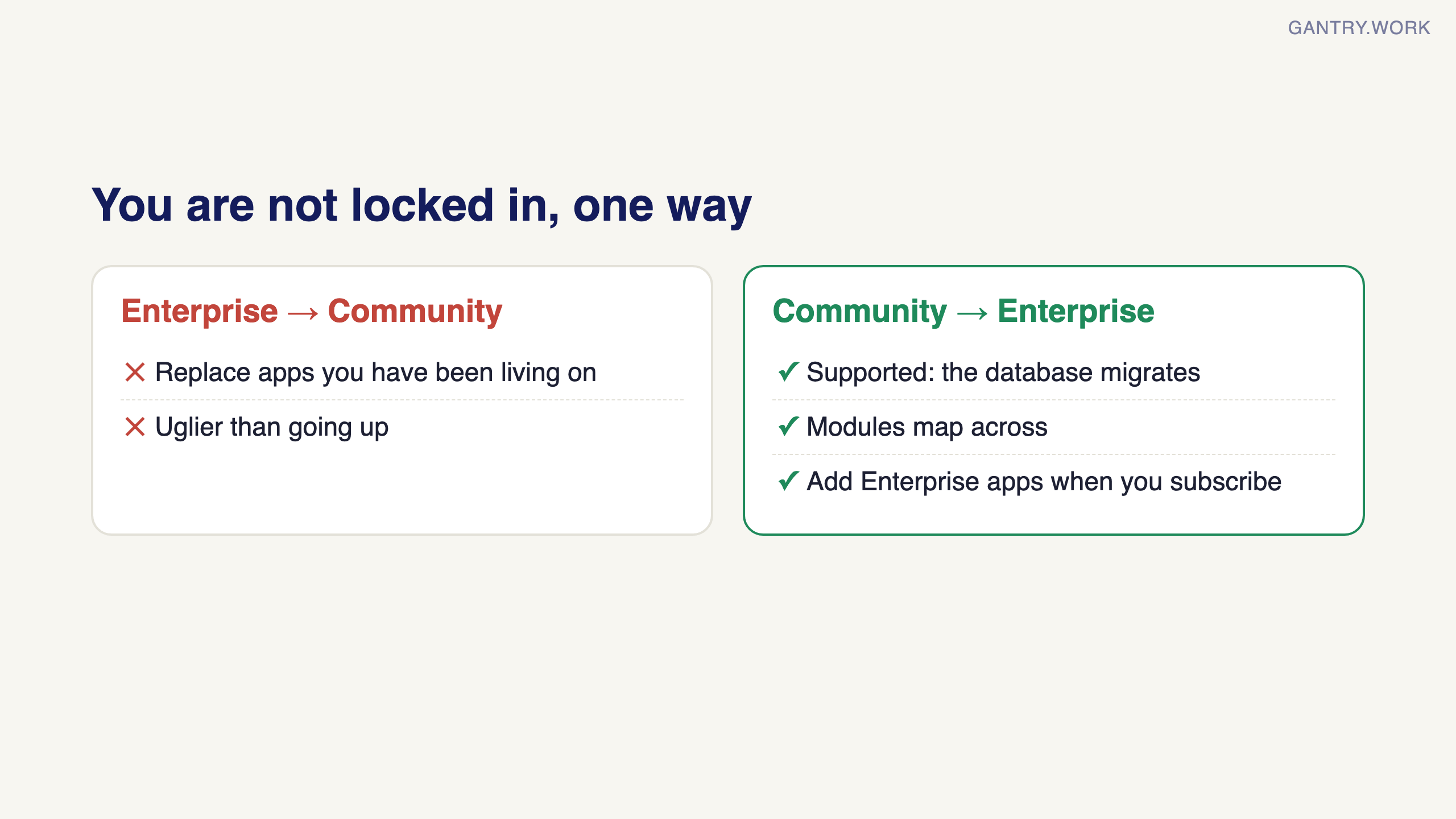
Going Community → Enterprise later is supported: your database migrates, modules map across, and you add the Enterprise apps when you subscribe. It’s a real project but a routine one. The reverse trip — Enterprise → Community — is uglier, because you have to replace the Enterprise apps you’ve been living on. Practical consequence: if you’re unsure, start where your compliance needs force you to start, and treat Community as the deliberate choice, not the default.
My honest recommendation pattern
Typical SME (needs GST filing, payroll, wants it hosted): Enterprise Standard. Don’t overthink it.
Tech company with DevOps capacity and simple accounting: Community is legitimate — budget engineering time honestly.
Pilot or single-workflow experiment: Community or even the free One App plan; prove value first, buy licences when the rollout is real.
Still unsure which edition your workflows need? The fastest way to find out is a demo run on your own records. The brief and the questions to ask are in how to get an Odoo demo that actually tells you something.
I’m Sayed — I work closely with business owners to automate their operations and build workflows that actually make sense. I write The Gantry about ERP and automation for SMEs. Earlier in this series: what Odoo actually costs, and Odoo vs ERPNext. Next: the cornerstone guide — how to switch ERP systems without stopping the business. Subscribe so you don’t miss it.
Whichever edition you land on, the same question decides whether it was the right call: how long until the system pays for itself?

The free ERP ROI calculator at work: your team, hours and setup cost in, payback and 15-year value out. Click the animation to try it.
Working on something similar? Connect with me on LinkedIn and tell me what you are working on. I read and reply to every message, and the questions people send become the next guides.
How I test everything and how this site makes money: How The Gantry works.