

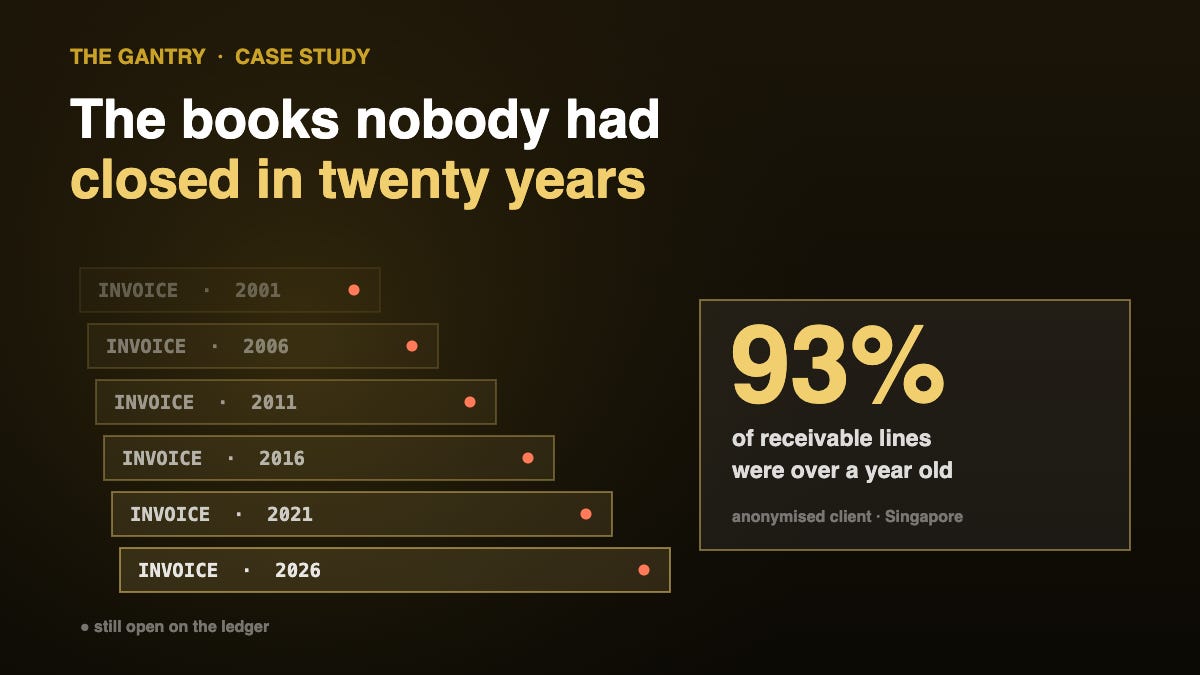
This case study is anonymised. The client is real and the mechanics and figures are accurate in substance, but the company name, sector detail and identifying specifics have been changed at their expense rather than published. Nothing here identifies a particular business.
A Singapore group with several related trading companies asked me to move them onto a new system. Straightforward brief: get us off the old software, get us onto something modern, keep the numbers.
It took about six weeks and almost none of it was software work.
The story in 45 seconds
The short version: the old software was accurate, the books had simply never been closed, and the migration became a clean-up with a migration attached. The numbers, the method and the mistake I made after go-live are below.
The situation, in numbers
Here is what the opening position actually looked like once we counted it properly.
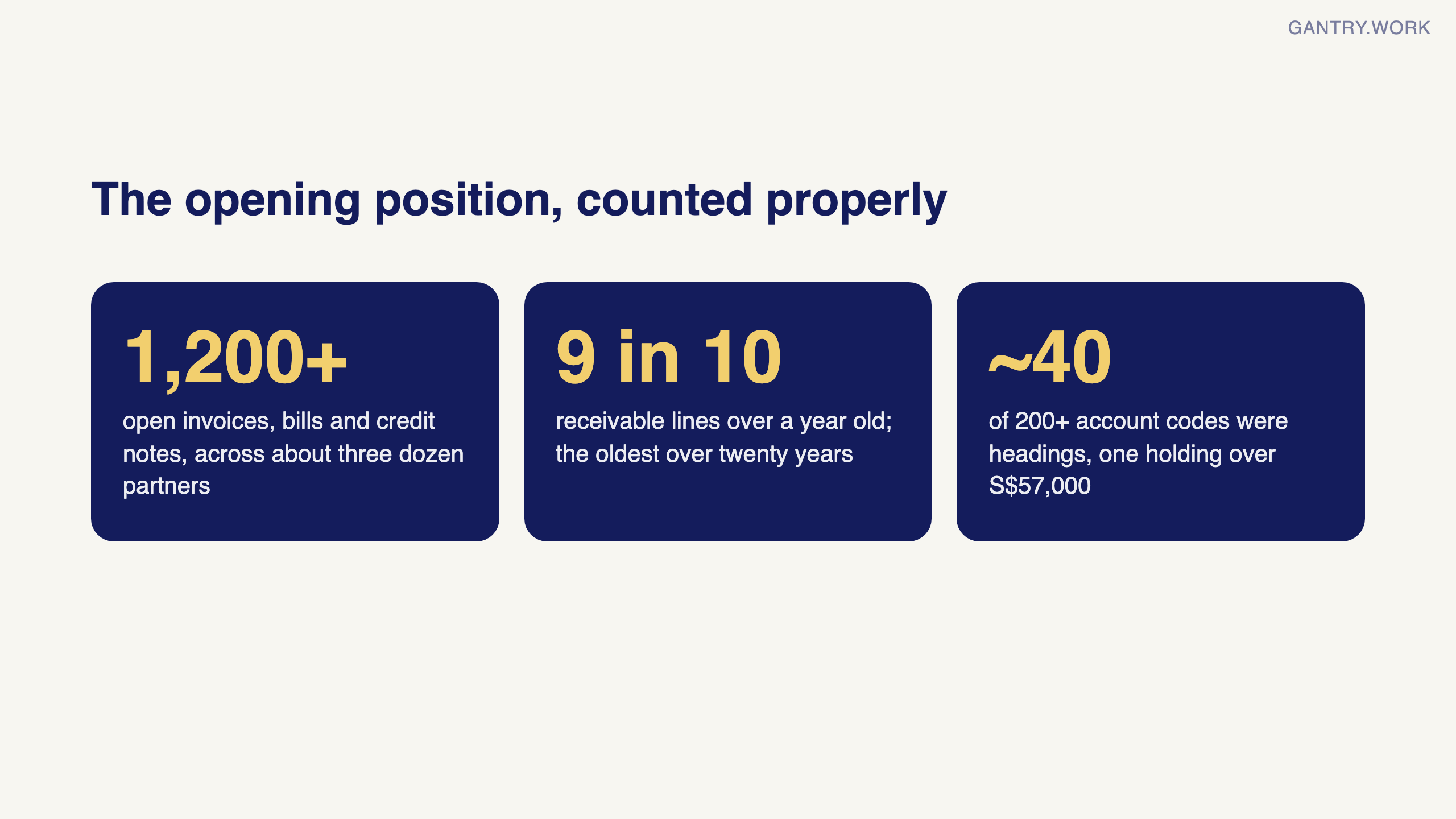
Just over 1,200 open invoices, bills and credit notes still sitting on the ledger, across roughly three dozen trading partners. A chart of accounts with more than 200 codes, around forty of which were not accounts at all — they were section headings someone had created as postable accounts years earlier, and one of them was carrying a real balance of over S$57,000.
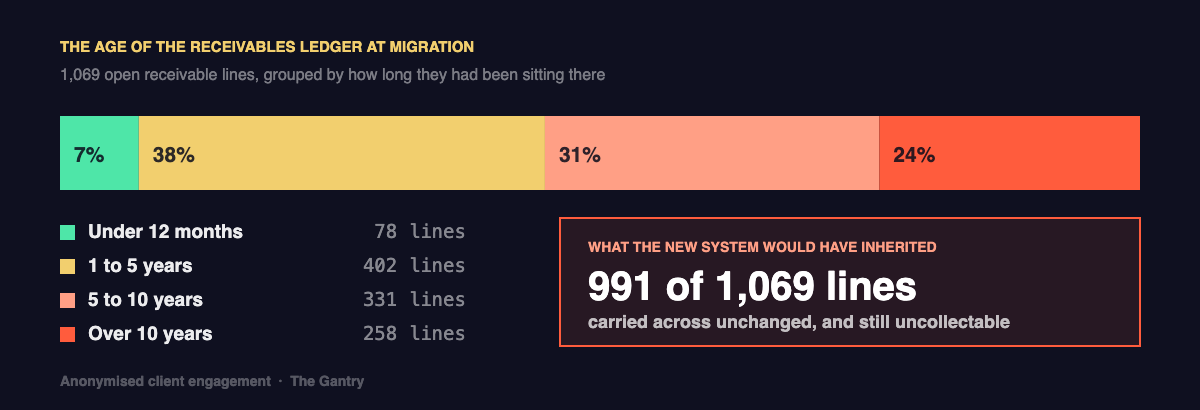
And the part that stopped me: more than nine in ten receivable lines were over a year old. The oldest traced back more than twenty years. The payables side was the same story — about three quarters aged past twelve months.
What everyone assumed the problem was
Everyone in the room, including me at the start, treated this as a systems problem. The old software was slow and clunky, reporting was painful, and the assumption was that a better system would fix it.
That was wrong, and it is the single most common misdiagnosis I see.
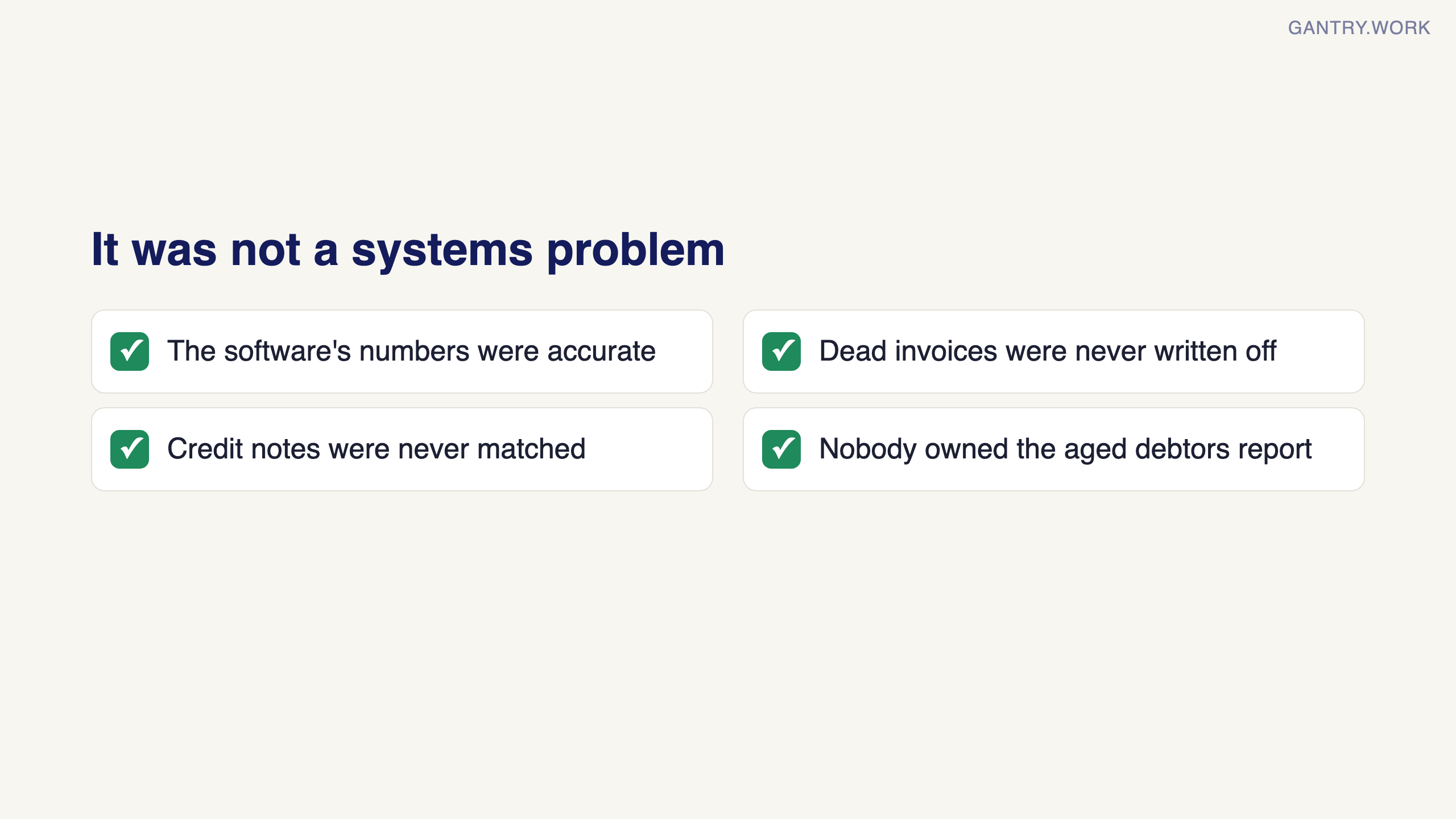
The software was not producing bad numbers. It was producing an accurate picture of a business that had never closed anything. Invoices that were never going to be paid had never been written off. Credit notes had never been matched against the invoices they belonged to. Nobody had run an aged debtors report and acted on it in years, because the report was long and nothing in the business forced anyone to look at it.
Move all of that to a new system unchanged and you get exactly the same mess, faster. The client would have paid for a migration and got no benefit, and within a year would have concluded that the new system was also bad.
What we actually changed
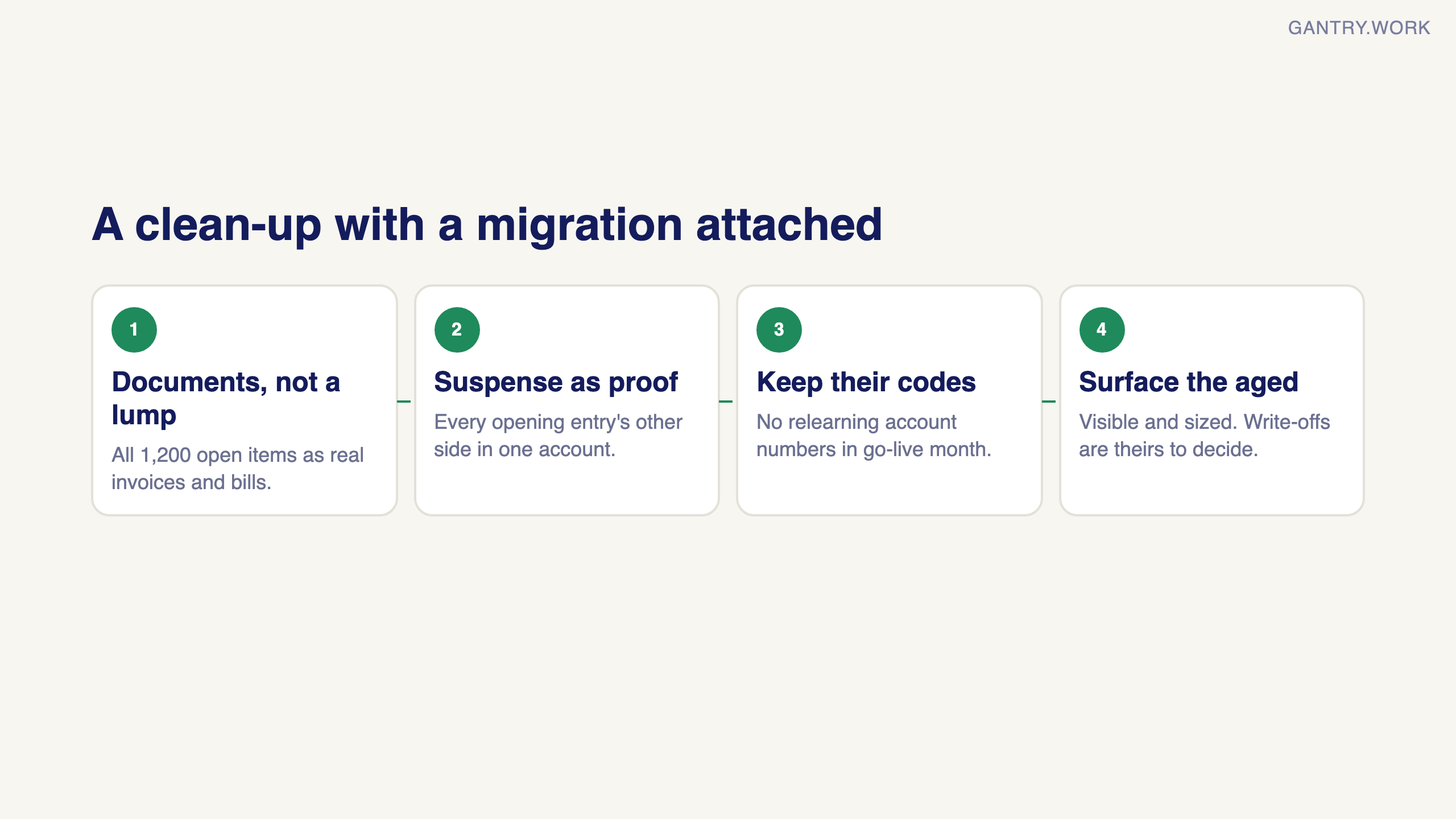
The migration became a clean-up with a migration attached. Roughly in this order:
We rebuilt the opening balance as a document set, not a number. Every one of those 1,200 open items went in as a real invoice or bill against a real partner — not as a single lump-sum receivables figure. That is more work up front, and it is the difference between being able to chase a specific customer for a specific invoice and knowing only that "receivables are X".
We used a temporary suspense account as a proof. Every opening document posted its other side to one holding account. If the document set and the trial balance agree, that account nets to exactly zero. Ours did — to the cent. That single number is what let me tell the client the migration was correct rather than asking them to take it on faith.
We left the client’s own account codes alone. They had a numbering scheme their finance team had used for years. A lot of consultants would have "improved" it. Changing it would have meant every person in that team relearning where things go, on top of learning new software, in the same month. Not worth it.
We surfaced the aged items rather than hiding them. The clean-up itself is the client’s decision and their auditor’s, not mine. What I could do was make the problem visible and quantified for the first time.
The result, and the honest caveat
The books tie to the source workbook to the cent, every account reconciles, and the finance team can now answer questions in minutes that used to take a day. The aged receivables problem is now a named, sized item on someone’s desk rather than an invisible drag.
Here is the caveat. Nothing I did recovered a single dollar of that old debt. A twenty-year-old receivable is not a collections problem, it is a bookkeeping fiction, and most of it will eventually be written off. The value delivered was clarity, not cash. Any consultant who tells you a system migration recovers aged debt is selling you something.
The other honest note: the aged position was not caused by bad people. It was caused by nobody owning the aged debtors report. That is a management fix, not a software one, and the system only helps because it now puts the number in front of someone every month.
What I would do differently
One real mistake, and it is the kind that only shows up after go-live.
I loaded all 1,200 historical documents into the live sales and purchase journals, carrying their original legacy reference numbers. That looked tidy. It was not.
Modern accounting systems derive the next document number from the last one they saw. Feed twenty years of inconsistent legacy numbering into a live journal and the system starts inventing sequences from it. When the client raised their first new invoice after go-live, it came out with a bizarre number derived from an old one. Worse, on a new bill the system silently shifted the accounting date by several weeks to make it fit the sequence it thought it was in.
Silently. That is the dangerous part. Nothing errored. A date just moved.
The fix is simple and I should have done it from the start: put historical documents in their own separate journals — an "Opening AR" and "Opening AP" — so the live journals begin from a clean slate. Costs nothing if you plan it. It is a nuisance to unpick afterwards.
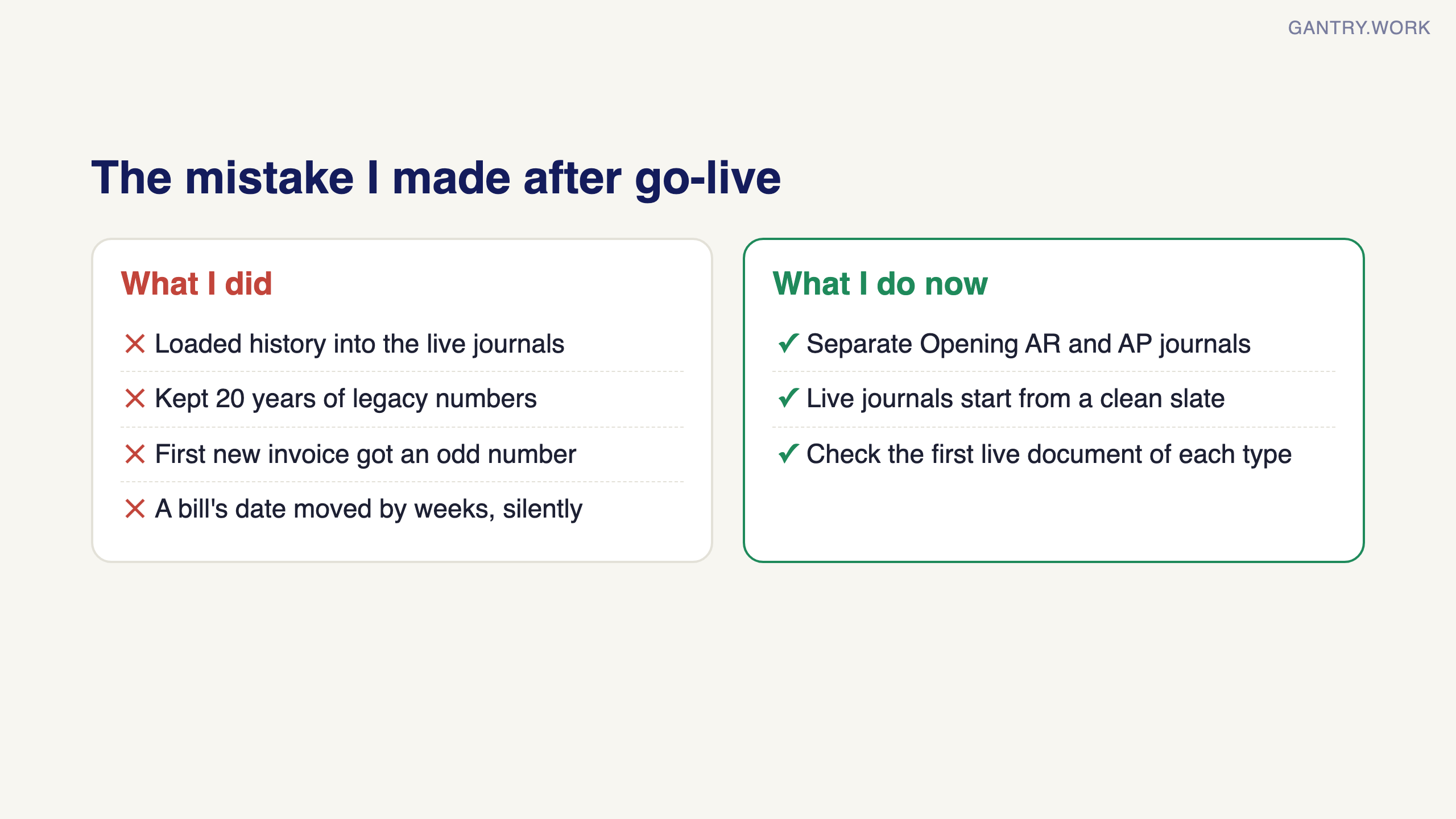
I now do this on every migration, and I check the first live document of each type before anyone else touches the system.
If any of this sounds familiar
The tell is simple: pull your aged receivables report right now. If more than a third of it is over a year old, you do not have a software problem yet — you have a problem that new software will faithfully preserve. If your system cannot produce one, paste your open invoices into the free AR aging report tool.

The free AR aging tool at work: open invoices in, an aging report by customer and a statement for each one out. Click the animation to try it with your own export.
The Systems Health Check covers this and nine other things that quietly rot in an SME. Ten questions, sixty seconds, no signup.
Working on something similar? Connect with me on LinkedIn and tell me what you are working on. I read and reply to every message, and the questions people send become the next guides.
Want a second pair of eyes on your setup? Bring the process that keeps going wrong to a free 20-minute systems review. I'll tell you honestly what to fix first, or whether you need anything new yet.
How I test everything and how this site makes money: How The Gantry works.